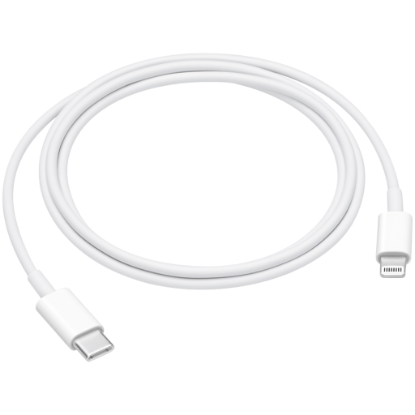
USB-C to Lightning Cable (1m) Connect your device with Lightning connector to your USB-C– or Thunderbolt 3 (USB-C)–enabled device for syncing and charging, or to your USB-C–enabled iPad for charging. You can also use this cable with your Apple 18W, 20W, 29W, 30W, 61W, 87W or 96W USB‑C Power Adapter to charge your iOS device and even take advantage of the fast-charging feature on selected iPhone and iPad models.
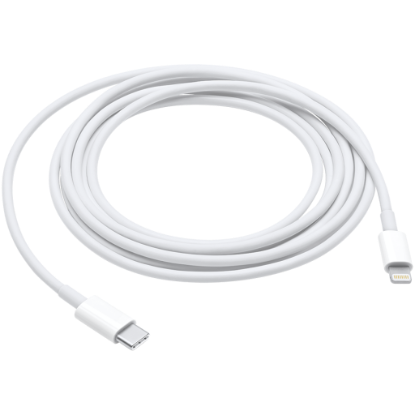
USB-C to Lightning Cable (2 m) Unlike traditional, circular earbuds, the design of the EarPods is defined by the geometry of the ear. Which makes them more comfortable for more people than any other earbud-style headphones. The speakers inside the EarPods have been engineered to maximise sound output, which means you get high-quality audio. The EarPods (USB-C) also include a built-in remote that lets you adjust the volume, control the playback of music and video, and answer or end calls with ...
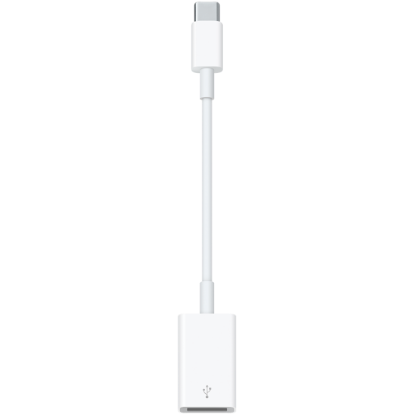
USB-C to USB Adapter The USB-C to USB Adapter lets you connect iOS devices and many of your standard USB accessories to a USB-C or Thunderbolt 3 (USB-C) enabled Mac. Plug the USB-C end of the adapter into a USB-C or Thunderbolt 3 (USB-C) port on your Mac, and then connect your flash drive, camera, or other standard USB device. You can also connect a Lightning to USB cable to sync and charge your iPhone, iPad, or iPod. Compatible with the following computers: 12-inch MacBook, 13-inch MacBook P...
 (1).png)